# Pricing Date
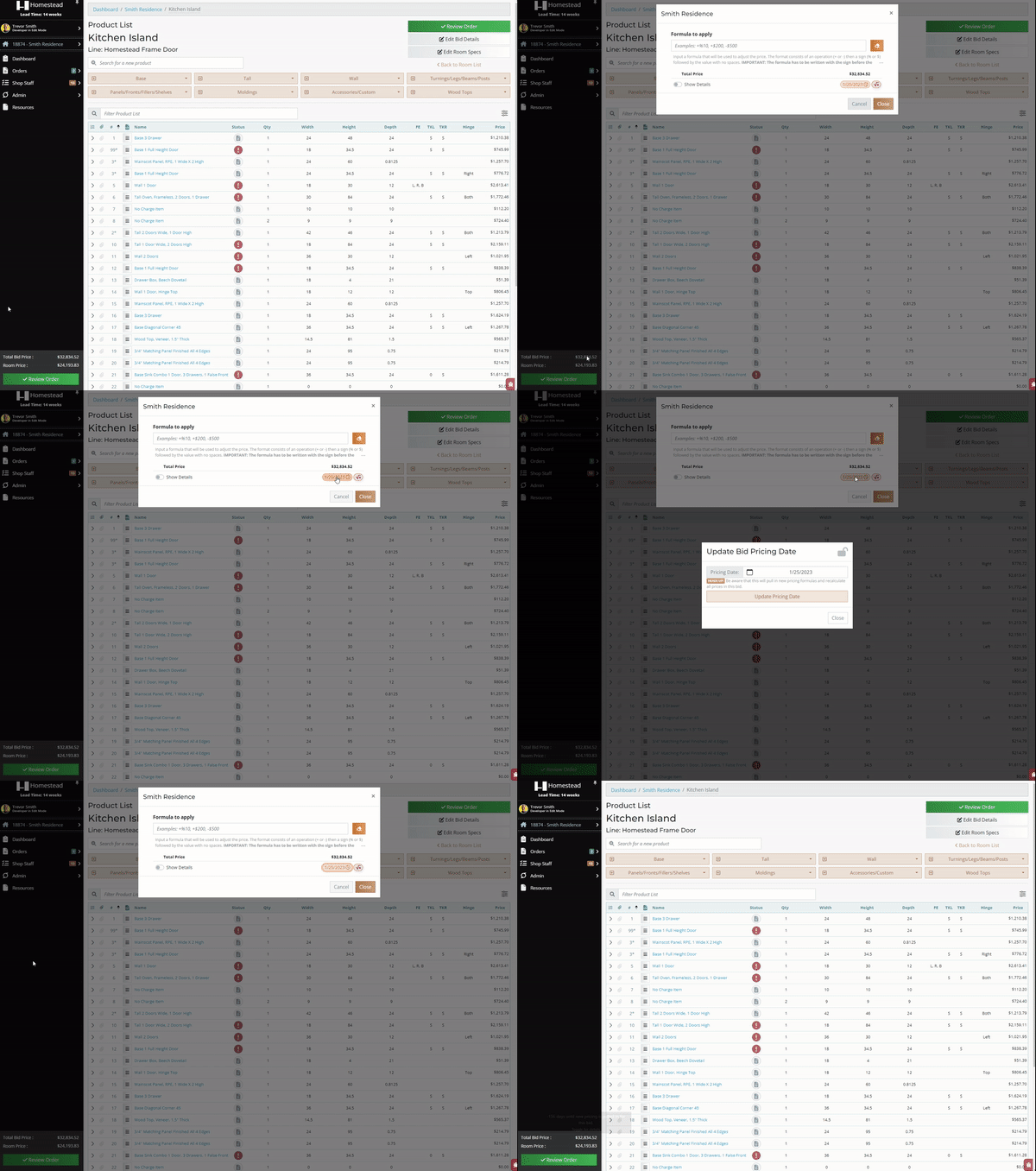
A bid's pricing date can be checked or changed by clicking on the bid price from any page. You can select a new date for the pricing date, this will update all pricing for the bid (see **Image 8**).
[](http://help.homesteadcabinet.net/uploads/images/gallery/2023-08/pricingdate.gif)
**Image 8.** Accessing the bid pricing date.