# Introduction to the Database Admin
The [database admin](http://orders.homesteadcabinet.net/admin) servers as an interface for select individuals to edit the Bid Program's database. You can use the database admin to easily interface with this database and perform common tasks such as add new products, edit door styles, update material prices, and much more. This training document will cover how to access the database admin and how to navigate it.
#### Accessing the Database Admin
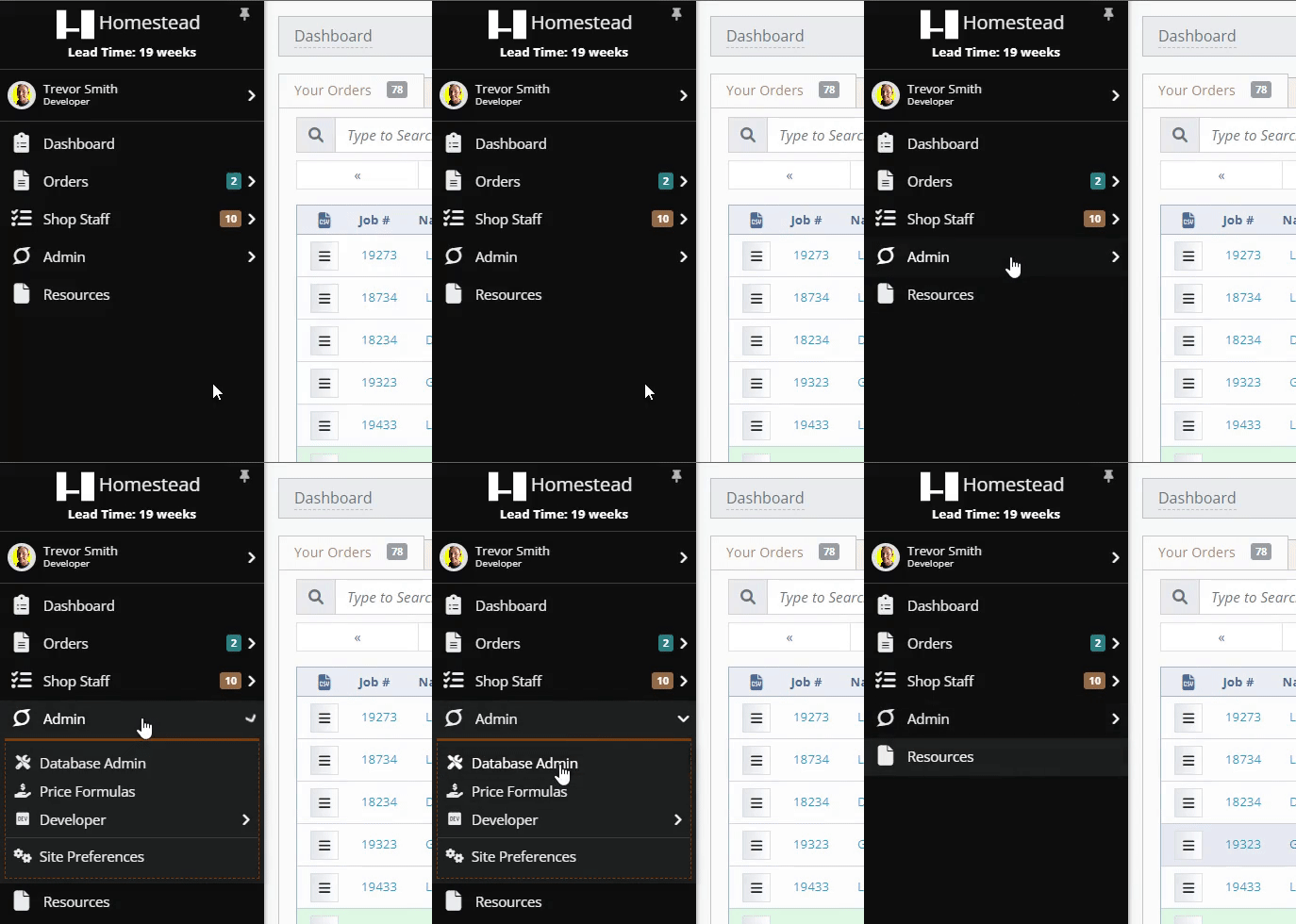
Users who have been given given the permission of [Database Administrator](http://help.homesteadcabinet.net/books/bid-program-training-De3/page/users) will be able to access the database admin by clicking on Admin > Database Admin in the navigation menu from any page on the site (see **Media 1** below). Users without database admin access will not see the admin dropdown in the navigation menu.
[](http://help.homesteadcabinet.net/uploads/images/gallery/2023-04/8XGdatabase-admin.gif)
**Media 1.** Accessing the database admin from the navigation menu.